8. Machine inspector
You have a login flow with six states — :idle, :submitting, :error, :submitting-retry, :authenticated, :locked-out — and the user reports they can't get back from :error to :submitting-retry. The retry button is wired; the click fires; nothing transitions. You squint at the machine spec; the guard looks fine.
You open Causa, click Machines, and there it is: the diagram paints the attempted edge in grey, with the false return from :enough-attempts? rendered inline. The guard you wrote last week checks (< attempts 3), but the variant your test is running through has :attempts 4 — and you can read it right there in the snapshot column without recompiling, because the machine's first-class on the same six-step pipeline as every other event (Guide 09 — State machines is the narrative).
The panel renders each registered machine as a Stately-quality state-chart. Live.
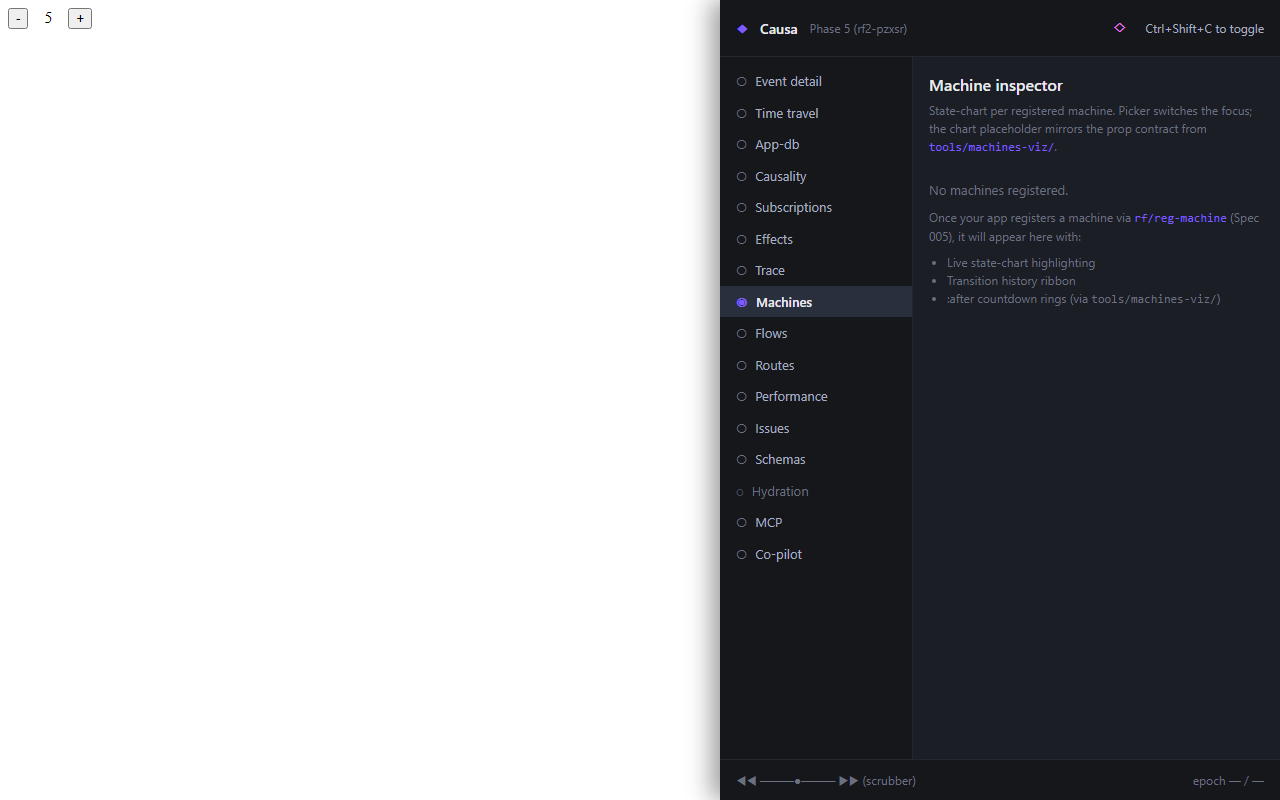
What you see
For every machine your app registers:
- A state-chart — nodes for states, edges for transitions, hierarchy nested, parallel regions side-by-side. Guards on edges, actions on entry/exit. The current state is highlighted.
- An event log — every event the machine consumed, with the transition it took (or didn't), with
:guardresults, with:tags. - A snapshot — the current machine value, including any deep-state cursors and parallel-region states.
When the user clicks a button and an event fires, you see the transition arrow paint in real time. When a guard rejects an event, the diagram shows the attempted edge in grey and the guard's false return inline.
The two click-targets per node
Every node and every edge has two distinct gestures:
- Click on a state name → jump to the
:statesentry in your machine spec. - Click on a guard / action keyword → jump to its definition. If the guard is
:form-valid?, you land on(rf/reg-machine-guard :form-valid? ...). If it's an inline(fn [...] ...), you land at the line of the inline literal.
This is the click-to-source contract at machine resolution. The framework commits to the source-coord index shape; the panel renders it.
Hierarchical, parallel, history
Three shapes the diagram has to handle, all common in real machines:
- Hierarchical states. A state can have substates. The diagram nests them; the current substate is highlighted within its parent.
- Parallel regions.
:fsm/parallelregions render side-by-side. Each region's current state is highlighted independently. - History pseudo-states. Where the machine declares
:fsm/history :shallowor:fsm/history :deep, the diagram marks the slot and renders the remembered substate.
re-frame2's machines support a strict superset of XState's surface (modulo XState's history states, which re-frame2 replaces with snapshot-as-value capture — every machine state is restorable through the same restore-epoch pathway as the rest of the runtime).
The Invokes column
Machines can :invoke actors — HTTP requests, WebSocket lifecycles, child machines. The Invokes column on the right of the panel lists every active invoke for the current machine state: actor id, status (running / resolved / errored / aborted), elapsed time, the result value when settled.
When the machine transitions out of the state that owns an invoke, the runtime aborts the actor and emits a :rf.machine/invoke-aborted trace event; the column reflects the abort immediately.
Driving a machine from the panel
There's no send-event affordance on the panel. Driving the machine is what your app does; Causa observes. If you want to drive a machine to test a transition path, that's re-frame2-pair's job — open a pair session, dispatch the event, watch the diagram paint.
This is a deliberate split: the panel is a read tool. The runtime exposes the state-chart query and the trace stream; the panel renders both. Writing — driving transitions, hot-swapping guards, resetting state — is the pair tool's domain because writes need allowlists, session context, and explicit gates.
What this panel doesn't show
- Implicit state machines. A handler that walks
cond/caseoverapp-dbslots isn't a registered machine; the panel doesn't see it. (The fix is to register it.) - Machines in stopped frames. If a frame has been destroyed, its machines are gone too. The panel only shows live frames.
- History across
restore-epoch. Rewinding the host frame rewinds the machine too — that's the snapshot-as-value contract. The diagram retargets at the historical state without "playing back" the transitions; if you want the played-back transitions, walk the trace stream around the rewind.
Next: the app-DB diff.